FAQ
Everything about the club, our events, and how to use the Makerspace.
Maker Club Questions
Click to expandWhat events does Maker Club run?
We run hands-on workshops where members can build, create, learn new skills, and meet other makers. You'll often get to take something home too.
When are Maker Club events held?
Events are usually held on Friday evenings after 5:00pm unless otherwise specified. Announcements are posted in the announcements channel and on Instagram at least one week in advance.
How do I join an event?
Event capacity is limited for health and safety reasons. Register through the Humanitix link provided for the event. If you can no longer attend, please refund your ticket so it can be offered to someone on the waitlist.
Can non-UoA students attend events?
Yes. Non-UoA students are welcome at Maker Club events, but do not have access to the Makerspace outside of designated Open Nights.
How much does Maker Club membership cost?
Membership is free. Some special events may have a ticket fee to help cover materials and event costs.
What is the Maker Club Vending Machine?
The Vending Machine allows makers, artists, and small businesses to display and sell their creations. 100% of revenue goes directly to the maker.
Makerspace Questions
Click to expandWhat is the difference between the Maker Club and the Makerspace?
While we work closely together, the Maker Club is an independent, student-run university club whereas the Makerspace is the curated workspace run by the CIE.
Where is the Makerspace?
The Makerspace is located on the 4th floor of Engineering Building 402, directly to your left if you enter through the main doors off Symonds Street.
What equipment is in the Makerspace?
- Laser Cutter
- 3D Printers
- Vinyl Cutters
- Cricut Machines
- Sublimation Printers
- Sewing Machines
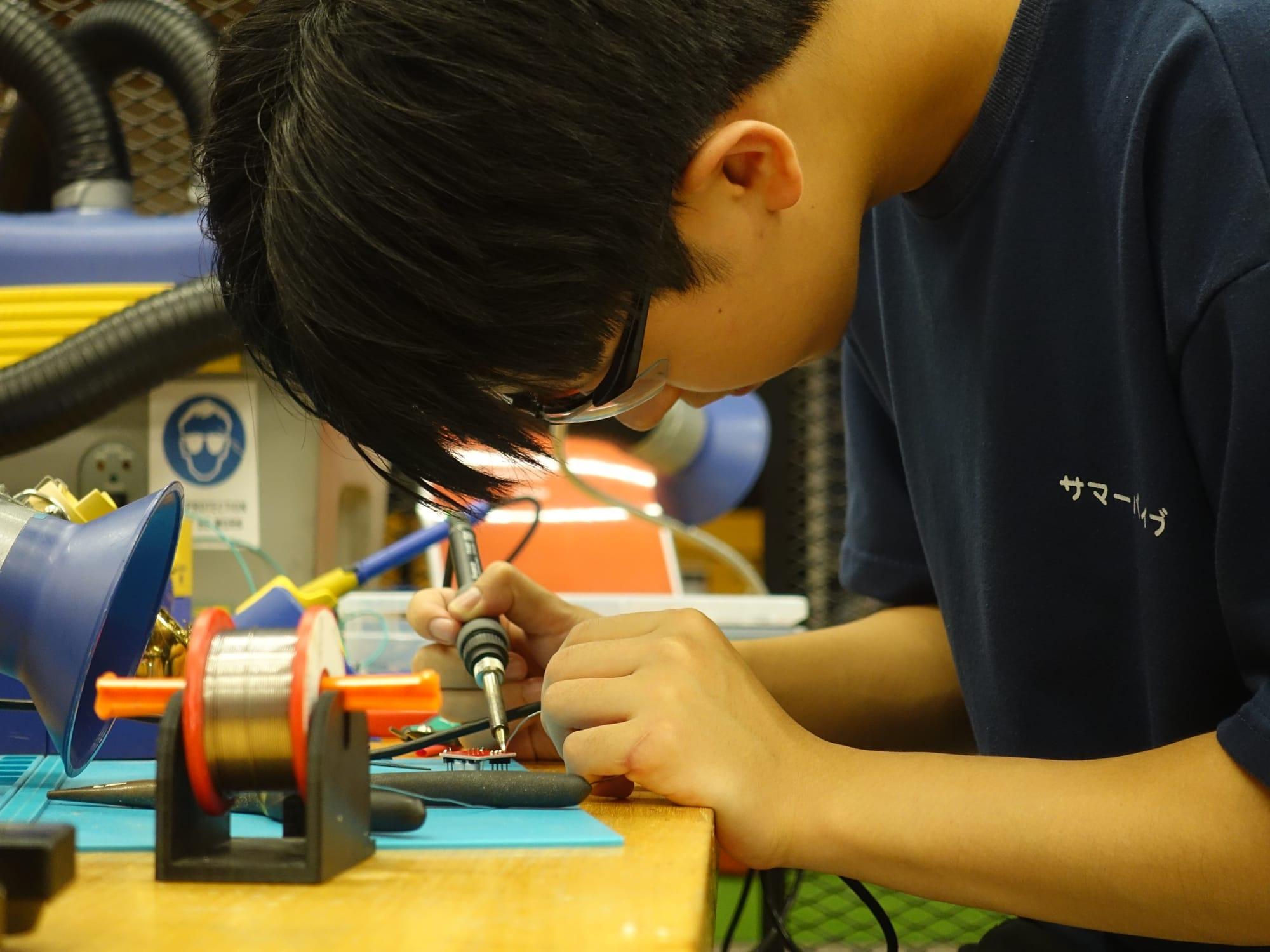
- Soldering Irons
- Woodworking Tools
- CNC Router
- Painting Station
- Electronics Supplies
When is the Makerspace open?
10:00am – 2:00pm: Public Hours
2:00pm – 4:00pm: Maker Space Residencies*
*If no residency is scheduled, public hours continue as normal until 4:00pm.
Opening hours may vary as the space is sometimes booked for courses, workshops, and events. The space is also closed during holiday periods.
Who can use the Makerspace?
The Makerspace is open to all University of Auckland students and staff. Membership is completely free and gives you access to the Canvas page, equipment training resources, and certification videos.
How can I use the Makerspace?
- Sign in and out using the iPads at the entrance.
- Store bags under the tables, tie back long hair, and wear closed-toe shoes.
- No food or drinks are permitted in the space.
- Ask a Creative Technologist (CT) if you need help using equipment.
- CTs are trained in first aid and fire safety and can be identified by the @Staff 🔥 role on Discord.
- Report equipment faults, accidents, or near misses.
- Always have a CT check your setup before pressing print, cut, or start, even if you're certified.
How do I get certified to use equipment?
- Watch the relevant certification videos on the Makerspace Canvas page.
- Complete the benchmark project available at the equipment station.
- Show your completed benchmark to the CT on duty.
- Once approved, you'll be certified to use that equipment for future projects.
If you get stuck at any point, a CT will always be available to help.
Is there storage for my projects?
Completed 3D prints that finish after hours will be stored in the designated 3D Prints tray for collection. General project storage is not available.
Are materials free?
The Makerspace's equipment and materials are available free of charge to University of Auckland students and staff.
- Some materials have usage limits.
- Larger projects may require you to supply your own materials.
- Please check with a CT if you're unsure.
Can I use the Makerspace for course-related projects?
Generally, the Makerspace is intended for personal projects rather than coursework.
Exceptions may apply for approved prototyping projects, specific courses, or programmes that work directly with the Makerspace. If you're unsure, please ask a CT.
Still have questions?
The CIE's Unleash Space site has more on the Makerspace, its hours and its equipment.
Visit the CIE site
Sound interesting?
Register for 2026 now for free!